Smok Vape

Browse SMOK devices and replacement hardware at VapeGala, from pod systems to higher-powered setups. Find model-specific replacement pods and coil ranges, and check compatibility with your exact SMOK device before ordering.

Sort by
  • Featured
  • Most relevant
  • Best selling
  • Alphabetically, A-Z
  • Alphabetically, Z-A
  • Price, low to high
  • Price, high to low
  • Date, old to new
  • Date, new to old

SMOK Vape Kits

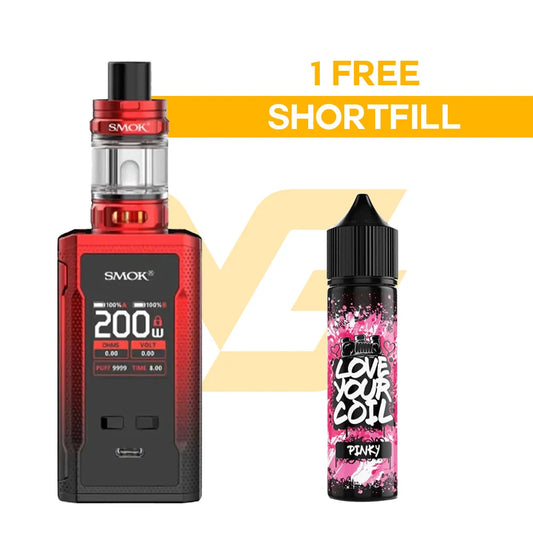
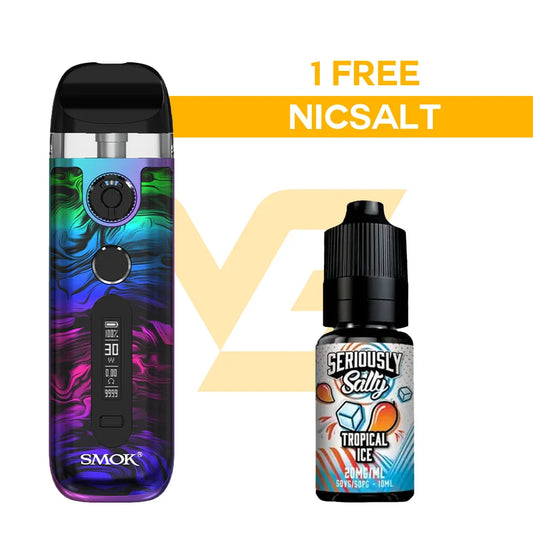
SMOK has a large variety of vape kits, many built with adjustable airflow and advanced setup features. The Nord and RPM series are two of the most popular among UK users. These SMOK pod vapes are aimed at vapers who want a refillable option without switching between multiple coil types or advanced settings. SMOK pod systems are also known for their wide coil compatibility. One device may support more than five coil resistances. Some SMOK kits also include adjustable wattage controls, airflow sliders, and simple lock functions to avoid accidental firing in your pocket.

SMOK Pods

SMOK pods come in several ranges depending on the kit: Nord, RPM, LP2, and Novo. Each has its own coil system, with different resistances for both Mouth-to-Lung (MTL) and Direct-to-Lung (DTL) vaping. SMOK pods are long-lasting and usually have side-fill or top-fill designs with rubber stoppers to prevent leaking.

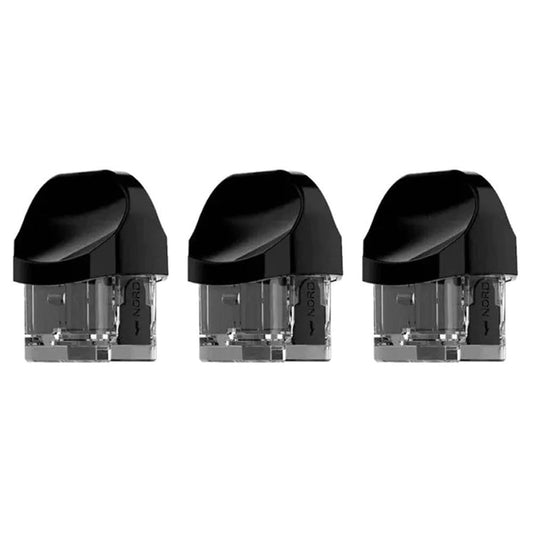
Take the SMOK Nord 2 Replacement Pod, for example. It holds up to 2ml of e-liquid (TPD-compliant in the UK), and the RPM coil system lets you choose between mesh coils, MTL/DTL/MC/Sc coils, and QUARTZ MTL coils. SMOK pods are known to last longer than average. The cotton wicking tends to stay cleaner, and the leakproof build helps prevent airflow blockage.

Other notable SMOK pods include the Nord pods (used in the Nord 2, Nord 4, and Nord C), which are compatible with Nord coils or RPM coils. Then there’s the LP2 pod system, used in newer kits like the G-Priv Pro or RPM 4. These support leak-resistant tech and multiple airflow settings, giving you more control over your vape.

SMOK Leading with Advanced Technology

SMOK's ecosystem includes devices, pods and several coil families. If you own a Nord device, check the exact model before selecting Nord 2 pods or another replacement. Coil users can compare LP1 coils and the wider coil collection.

For supporting hardware, browse replacement pods and tank options where compatible. Customers comparing device formats can move between compact pod systems, higher-power kits and adjustable mods.

Vape Guides

How to Refill Crystal Pro Switch 30K

How to Refill Crystal Pro Switch 30K – Step-by-Step Guide

Read more: How to Refill Crystal Pro Switch 30K – Step-by-Step Guide
How to Use & Refill the Pyne Pod Click

How to Use & Refill the Pyne Pod Click: Step-by-Step Guide

Read more: How to Use & Refill the Pyne Pod Click: Step-by-Step Guide
Pyne Pod Click: Complete Guide to the 10K, 30K & 50K Range (2026)

Pyne Pod Click: Complete Guide to the 10K, 30K & 50K Range (2026)

Read more: Pyne Pod Click: Complete Guide to the 10K, 30K & 50K Range (2026)
View More

How to fill a SMOK vape?

For pods like the Nord or RPM, remove the pod from the device, lift the rubber stopper on the side, and fill it with your e-liquid. Don’t overfill: leave a small air gap at the top. Close the stopper tightly and pop the pod back in. For tanks like the TFV series, slide or lift the top cap to reveal the fill port, then slowly add liquid.

How to unlock SMOK vape?

To unlock the SMOK vape, press the fire button five times quickly. This works for most models. If your screen says “Wattage Locked” or “Power Locked,” you might need to press and hold the "+" and "−" buttons together for three seconds to unlock the settings. Some devices also have a combination of three clicks on the fire button to enter the menu, where you can unlock the wattage or other settings.

How to turn on SMOK vape?

Most SMOK vapes follow a five-click system. Press the fire button five times quickly (within 2 seconds), and the device will switch on. You’ll usually see the SMOK logo pop up on the screen or the LED indicator light up. If nothing happens, check the battery. It might be drained or installed incorrectly. If it’s an auto-draw device, you’ll simply have to take a few inhales to activate the device.

What wattage should I vape at SMOK?

The ideal wattage depends on the coil you’re using. For example, a 0.6-ohm RPM coil works best around 20 to 25 watts, and a 0.4-ohm coil may perform better between 25 and 40 watts. Always check the recommended range printed on the coil or the box it came in.

How to unlock power lock on SMOK vape kit?

If your SMOK pod kit shows "Power Locked" on the screen, it means the wattage or firing button has been disabled to stop accidental changes. To unlock it, press and hold the "+" and "−" buttons at the same time for about 3 seconds. Or, press the fire button. On some models, like the RPM or Nord series, the screen will flash and then go back to normal once it’s unlocked. If that doesn’t work, check the manual for your specific model.